Introducing KYRA: TaxCycle’s New AI Support Assistant
We know that every minute counts during tax season. That’s why we are introducing KYRA, our new AI support agent. KYRA is designed with one goal in mind: to help you find the information you need to use our software quickly and easily.
Who is KYRA?
KYRA (Knowledge Yielding Response Agent) is a specialized AI agent integrated into the TaxCycle website. Think of KYRA as a high-speed bridge between your questions and our extensive database of documentation, help articles, and technical guides.
KYRA isn’t here to prepare your client’s taxes for you, or to answer complex tax questions. Simply ask KYRA a question in plain English (or French) and receive a concise response tailored to your specific technical hurdle. To get the best answer, ask one clear question at a time.
Of course, KYRA doesn’t replace our legendary, human, support team. By handling routine “how-to” questions, KYRA allows our support specialists to dedicate more time to complex, one-on-one technical assistance when you need it most. If your issue is complex or you’re not getting the answer you need, we’re available to help via the usual phone (1-888-841-3040) and email support options.
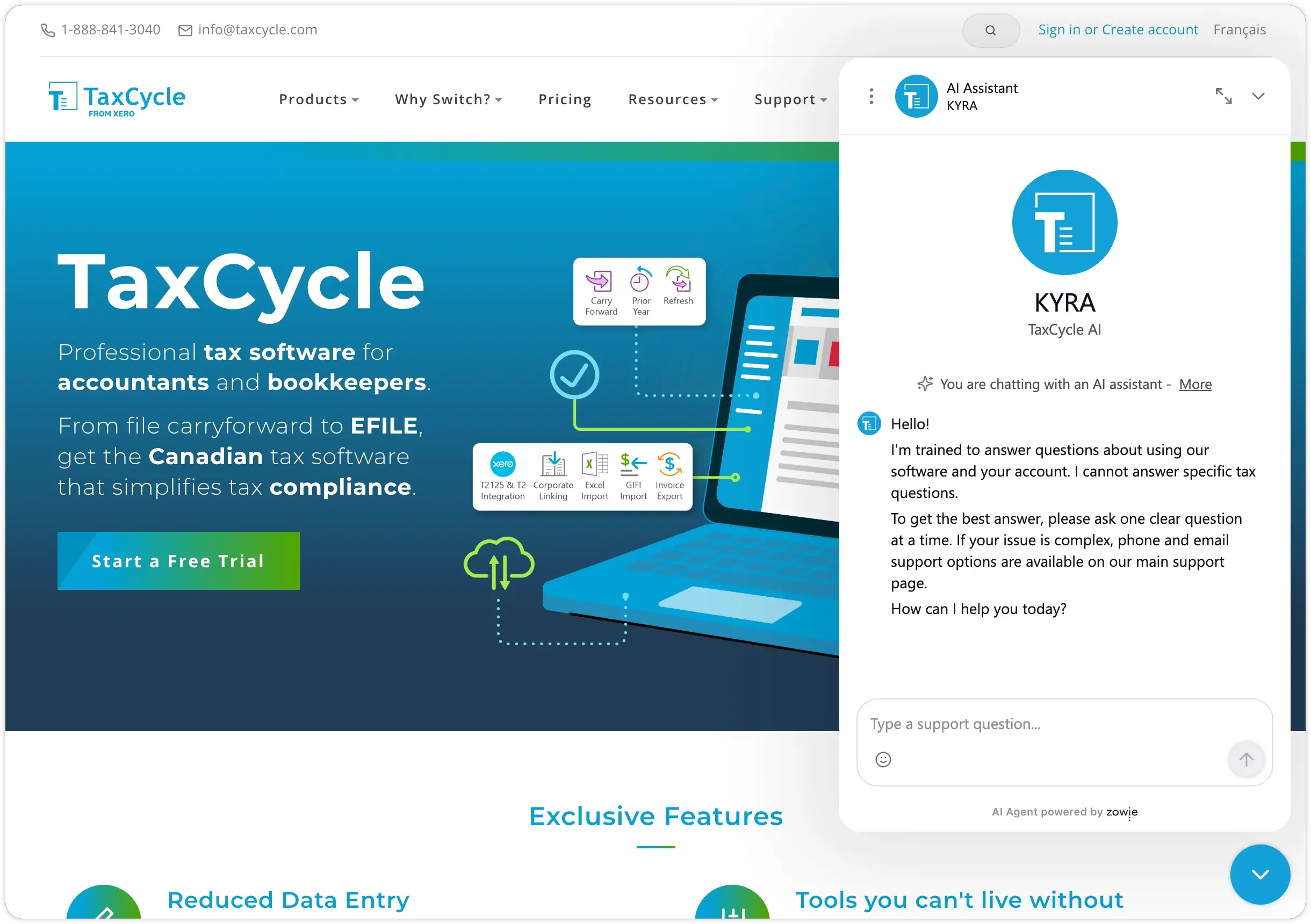
Ready to meet KYRA? Look for the chat icon on www.taxcycle.com to start your first conversation!
How can KYRA Help
- Instant Technical Support: Ask about everything from EFILE setup to template customization.
- Feature Navigation: Not sure where to find a specific form? KYRA can point you to the correct module.
- Troubleshooting: Get step-by-step instructions for common software errors or installation questions.
- 24/7 Availability: While our human support team is legendary, KYRA is available even during late-night filing sessions to provide immediate help.
How to Talk to KYRA
- Go to any page on www.taxcycle.com.
- Click on the Ask TaxCycle AI icon in the bottom right corner of your window.
- On desktop:
- On mobile:

- Type your question.
Tip! KYRA remembers the language you used for your last chat until you end your conversation, no matter which language you are viewing our website in.
How to End a Chat
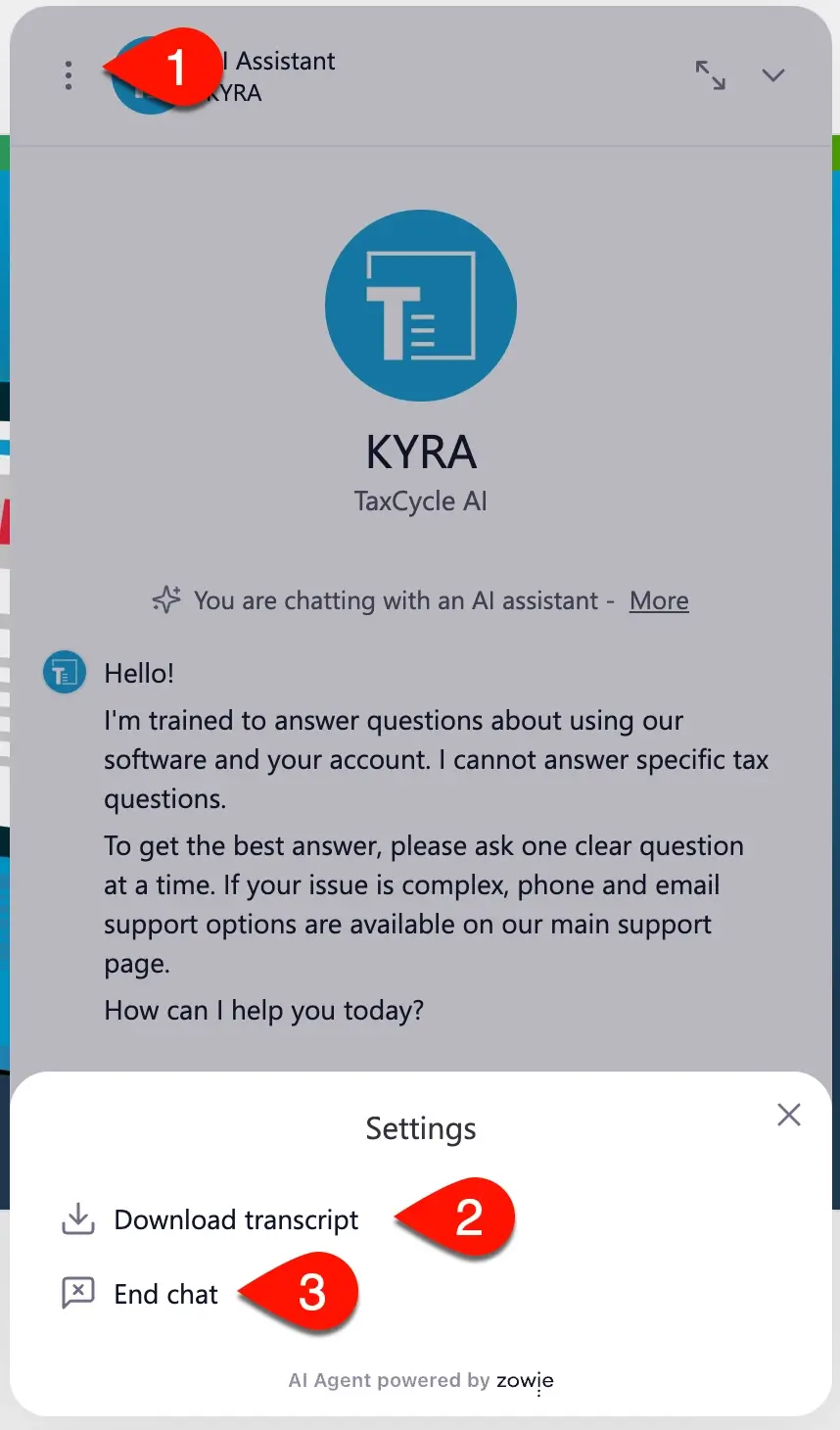
- Click the three dots at the top left of the chat window.
- Click Download transcript to save a copy of conversation for later. (This is useful if KYRA gave you instructions you might need to refer to again.)
- Click End chat to clear the chat and close the window.