Join Cameron Peters, TaxCycle's CEO & Founder, and the TaxCycle team for a full day of practical training.

12-Month Payment Plan
Only Available Until Dec 17

Looking for a specific article? Search Topics
Call 1-888-841-3040. We're here to help!
Get the latest news in your inbox! Newsletter Sign-up
The first time you sign in to TaxCycle Go as an organization owner, you’ll be guided through setting up your organization. Some details may already be filled in from your billing account. Review them during setup and update anything that’s missing or out of date. You can update organization details later in Organization Settings.
If you’re a staff member: Staff join an existing organization through an invitation. Ask the organization owner to invite you, then follow the instructions in the invitation email to sign in and complete staff onboarding. Read the Accepting an Invitation help topic to learn more.
Use the TaxCycle Account associated with your TaxCycle license.
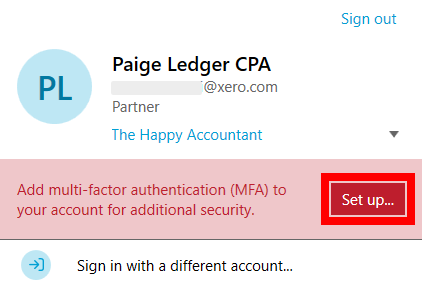
Turn on multi-factor authentication (MFA) for your TaxCycle Account before you sign in to TaxCycle Go. If you turn on MFA after signing in, sign out and sign in again. We recommend setting up MFA with an authenticator app. Read the Multi-Factor Authentication (MFA) help topics to learn more.

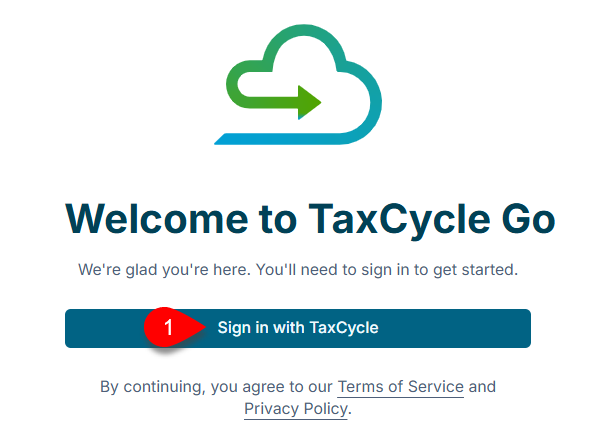
Go to TaxCycle Go and sign in with the same TaxCycle Account you use in TaxCycle Desktop.
If you belong to more than one organization, select the organization you want to sign in to.

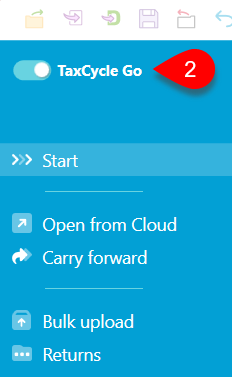
The TaxCycle Go toggle appears on the TaxCycle Start screen when a valid TaxCycle Go Essentials license applies. If organization setup is incomplete, the organization owner or someone with the Global Admin role may see a link to migrate options to TaxCycle Go.
If you’re setting up a new organization as the owner, follow the on-screen prompts. If you’re joining an organization, accept the invitation and complete your profile information.
Open TaxCycle Desktop and sign in with your TaxCycle Account.
Turn on the TaxCycle Go toggle.
After your organization and personal profile are set up, use the TaxCycle Go Onboarding Checklist to plan your next tasks.
Complete your personal profile.
Create an organization options profile in TaxCycle Desktop and save it to the cloud.
If your practice needs separate access for offices or teams, create groups.
Add staff, assign roles, and add each person to the groups they need.
Create group options profiles if needed.